Classic Mac OS X Wallpapers, Now in 6K
I fell in love with the look of Mac OS X when it first came out.
I didn’t have a Mac at the time, so I could only admire it in computer magazines and screenshots on the internet. Compared with Windows 98 and Me, Mac OS X looked like something from the future.
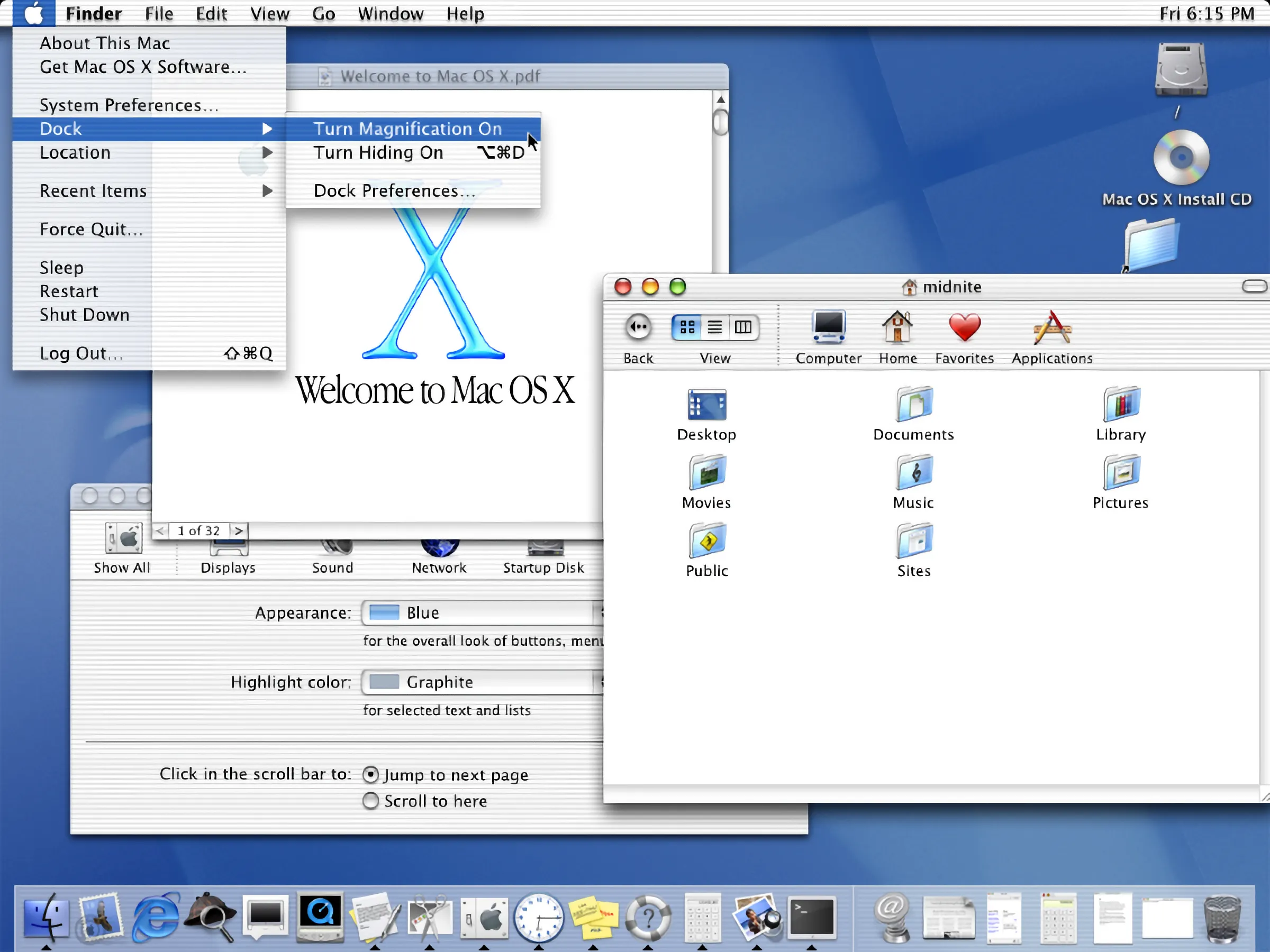
The Aqua interface was colorful, glossy, and unlike anything else. I remember using Photoshop on my Windows PC and following online tutorials to recreate the look of an Aqua-style button. I couldn’t use Mac OS X yet, but at least I could try to copy a small part of its design.
My first Mac
I finally bought my first Mac in 2006. It was a white 20-inch iMac, and it came with Mac OS X Tiger.
Everything about it felt new and fresh after years of using Windows. I loved the interface, the icons, the buttons, and all those small animations, from windows shrinking into the Dock with the Genie effect to the water ripples that appeared when I added a widget to Dashboard. It felt like every small detail had received some attention.
The wallpaper was part of that experience too. Tiger used an abstract image made from blue curves and shapes. It was simple, but I loved it, and I still connect it with the excitement of using my first Mac.
Returning to the Tiger wallpaper
Recently, I thought it would be fun to use that wallpaper again. The problem is that the original image came from a time when screen resolutions were much lower. Stretching an old copy across a modern Retina display probably wouldn’t look very good.
Then I found the 512 Pixels wallpaper archive, created by Stephen Hackett. It collects the default wallpapers from every major macOS release. The older images, which are too small for today’s displays, have been resized by hand (I’m really curious how he did it, but I couldn’t find an explanation) so they can be downloaded in resolutions up to 6K.
The archive is also a small trip through Mac history. It starts with the blue Aqua wallpapers from Cheetah and Puma, moves through Tiger, Leopard, and the space-themed releases, and continues into the more recent versions of macOS.
Of course, I went straight to Tiger.
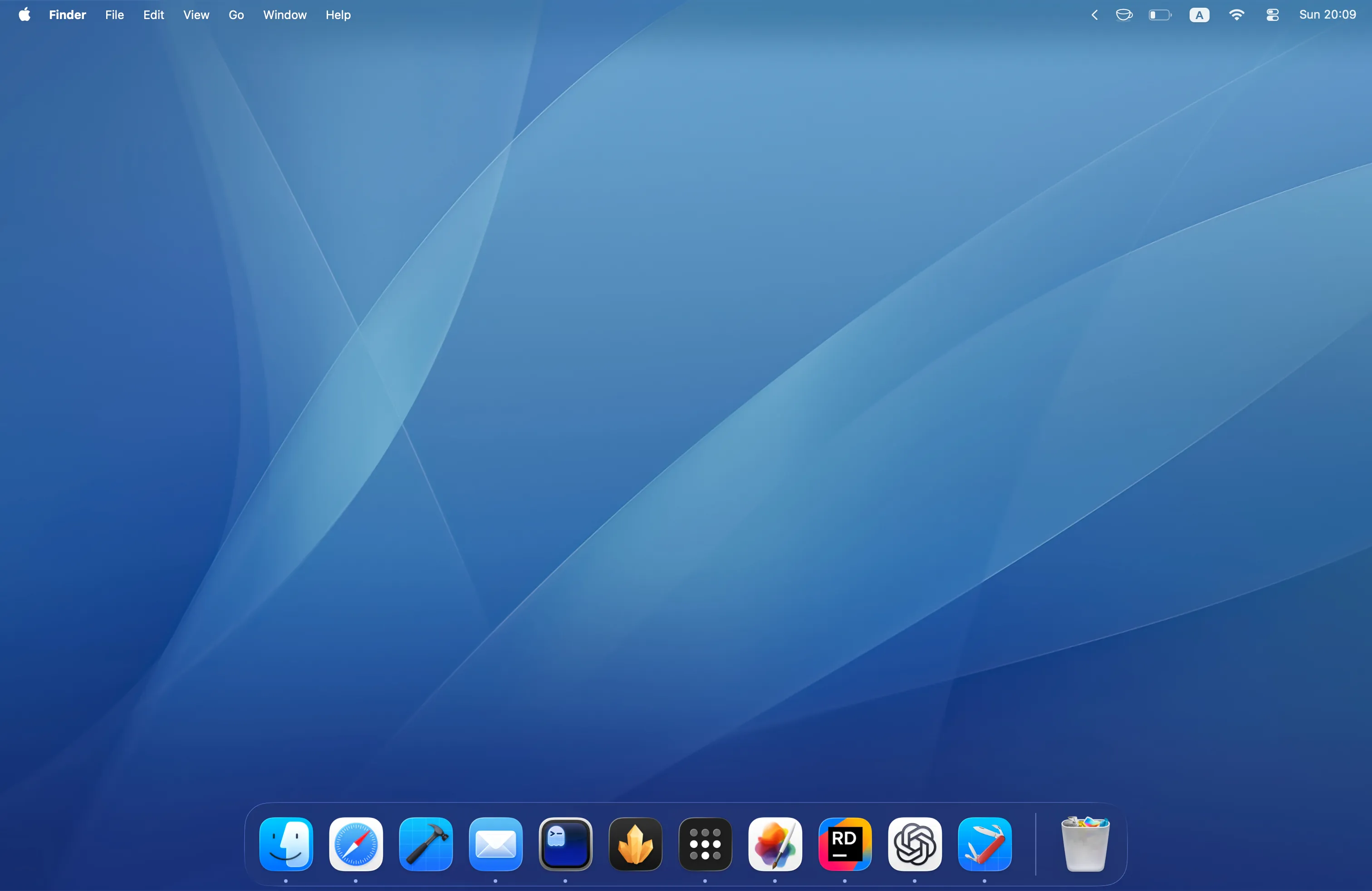
After setting it as my wallpaper, my modern Mac suddenly felt a little more familiar. The current macOS interface looks very different from Tiger, but that blue background still brings back the same feeling. It reminds me of sitting in front of my first iMac and exploring a Mac of my own for the first time.
A wallpaper doesn’t change how the computer works, but it can change how it feels. For now, I’m keeping this one.
Mac OS X 10.0 screenshot from Wikipedia.